
ERPFINANCE INFORMATION
What is the stock worth?
- Purchases, sales and financial records
- Stock quantities and valuation
- Invoices, costs and amounts owed
The business view of inventory.
WMS & ERP
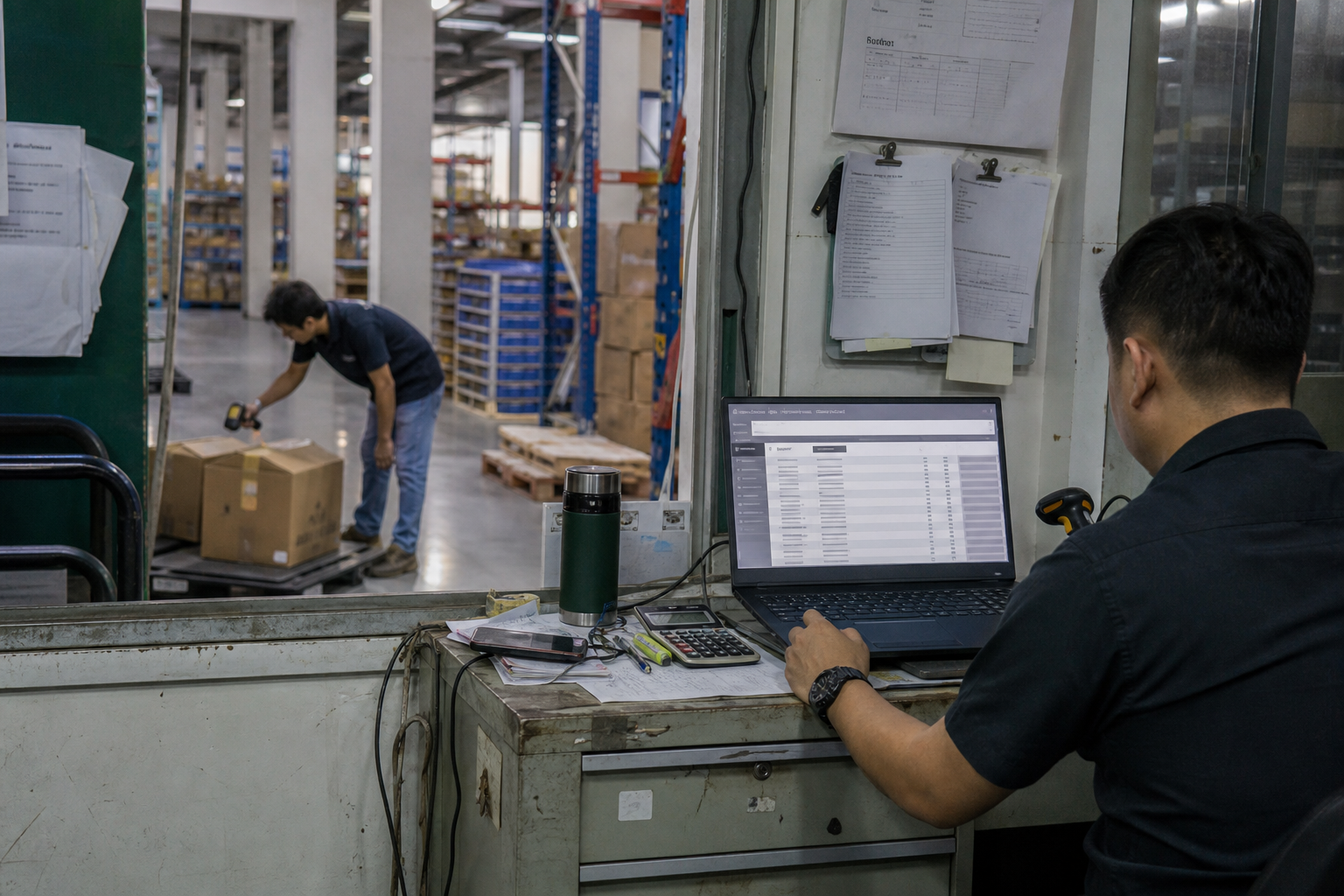
Most growing warehouses do not need to replace their ERP. They need an execution layer that turns ERP orders and inventory records into controlled receiving, picking, packing and dispatch.
Same stock. Two different views.
One connects inventory to the books. The other connects inventory to the warehouse floor—and tells the team what to do next.
The business view of inventory.
The warehouse view, with actions to match.
A simple distinction, not a rigid boundary: ERP capabilities vary, and some include warehouse modules. The right split depends on your system and operation.
Make the difference tangible
The quantity can be correct without every unit being available for a new order.
at RM50 per unit
RM5,000Recorded stock valueEach block = 10 units
Bin A-12 · Ready for new orders
Bin B-04 · Reserved for existing orders
QC-01 · Awaiting inspection
Illustrative quantities, locations and valuation. Assumes no other reservations or restrictions; held stock retains its recorded value in this example.
Partners, not replacements
One order connects the financial record to the physical work. Each system does its part.
Own the commercial record.
Keep finance informed.

Locate the stock. Guide the task.
Confirm what actually happened.
Warehouse confirmation returns to the ERP against the same order reference.
Illustrative records, not a product screenshot. Field ownership, update timing and exception handling are agreed for your integration.
If staff use messages to find stock or choose the next pick, that is the warehouse execution gap to review.
Three practical questions
Usually not. Keep the ERP where it serves the business well, and add warehouse execution capability where you need it. Existing ERP warehouse modules should be assessed before deciding what to add.
Define ownership by record and purpose. The ERP typically holds the financial view; WMS tracks physical locations, availability and warehouse task status. Agreed transactions and reconciliation keep the views aligned.
Connection depends on your ERP product, version and available APIs or exchange methods. We review the records, events and workflows you need, then confirm connector fit, configuration and any custom work.
Show us your ERP and how the floor works today. We will help identify the responsibilities and handoffs that need connecting.