

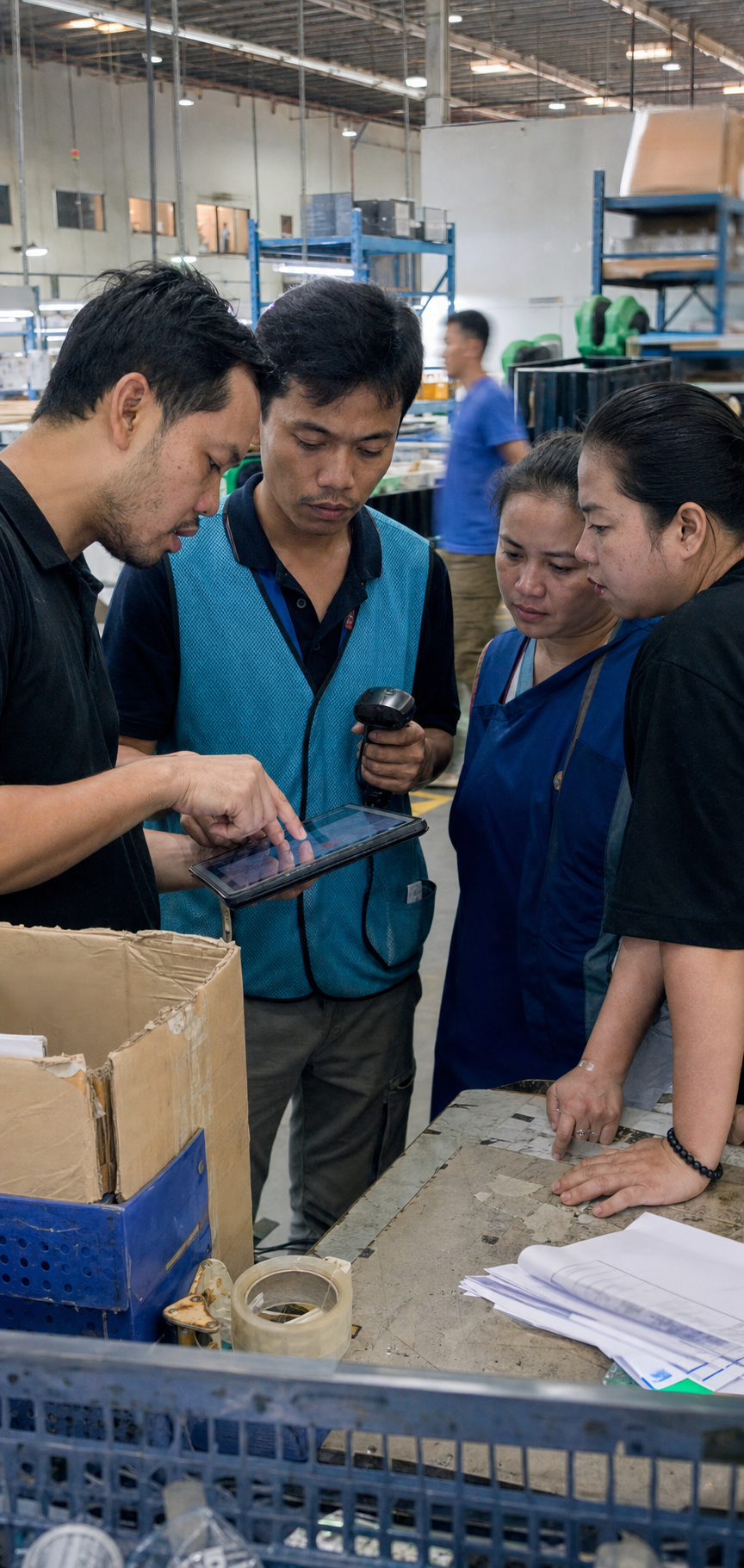
Operators perform the task.
Find the location, scan the item, confirm the quantity and complete the handoff.
7-day standard implementation
A clear route from your current operation to live warehouse execution. We map the work, configure ODIN, train your operators and support the agreed launch.
Seven-day standard deployment starts once scope, data, access and your team are ready.
01 · Prepare
Before day 1, agree what goes live, the systems involved and who can make decisions. The seven-day plan covers the agreed standard deployment; new integration development or changes outside that scope need their own plan.
Standard scopeone agreed launch · standard workflows · existing hardware · ready data · available owners

Choose the site or launch area. Walk through receiving, stock movement, picking, packing and dispatch with representative orders.
Bring your location map, order examples and operating cut-offs.
Prepare product and location records, opening-stock information and user access. Confirm the connection path and device requirements.
Bring data samples, system contacts and your scanner, printer and network setup.
Name the decision-maker, floor lead and technical contact. Reserve operator time for training and agree who signs off the launch.
Bring named owners, shift availability and a target launch window.
The standard deployment plan
Each phase produces something your team can review. Confirm the sequence and responsibilities against your launch scope before the clock starts.
Walk the operation with your floor lead. Confirm locations, stock states, user roles and handoffs. Agree the launch scenarios and the records needed to test them.
Your checkpoint Confirm the workflow and resolve missing inputs.
Load prepared data, configure standard workflows and test the agreed connections. Follow representative receiving, picking, packing and dispatch scenarios across the screens and devices your team will use.
Your checkpoint Review the results and resolve test exceptions.
Train operators and supervisors, rehearse the handover and confirm launch readiness. Start the agreed production scope with ODIN support on the floor.
Your checkpoint Approve the opening position, people and launch plan.
Configuration, the agreed connection setup, workflow coaching and launch support.
Source-data accuracy, access to existing systems, operator availability and business sign-off.
Confidence on the floor
Operators need to know the next action. Supervisors need to know what to do when the normal flow breaks. Training should cover both, using the agreed warehouse scenarios.
Find the location, scan the item, confirm the quantity and complete the handoff.
Work through a short pick, an unexpected quantity or an order that cannot progress.
Review open work, recognise where an order is waiting and know who to contact for help.
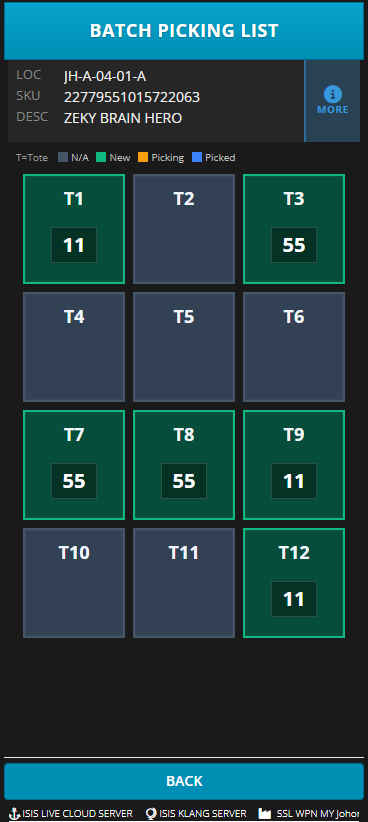
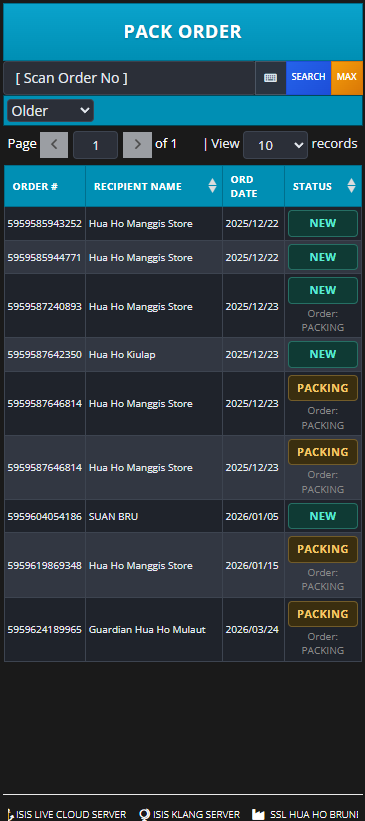
Product screens shown for workflow illustration.
The go-live conversation
Agree these launch checks with your project team. A date gives the plan focus; completed checks give your team confidence.
Product and location records are checked. Opening stock is reconciled for the agreed launch scope.
Representative tasks, labels and system handoffs have been tested, including the agreed exceptions.
Operators have practised their tasks. A floor lead and a business decision-maker are available.
Agree the launch window, open-order handling, support contacts and what to do if a critical check fails.
Review it before confirming the launch date. Agree whether it belongs in the initial scope or a later phase, and plan any development and testing separately.
Agree the stock-reconciliation method and which system owns each open order during the handover. Your floor and system owners should confirm that starting position before production begins.
Confirm the support contacts, coverage, escalation route and responsibilities in your deployment plan. Use the first operating reviews to track issues and decide the next improvements.
From launch to a better shift
Use live operating data to review throughput, waiting orders, stock discrepancies and recurring exceptions. Prioritise the next workflow or training improvement with your floor lead.